2124
Another "smart" socket with his hands. Part 1
Yes, yes, yes. Another one. Understand all tired. But very much like to do it yourself, your own "smart" outlet, with bingo and girl students. Recessed (in the house - concealed wiring). With control via WiFi (locally) and the Internet (globally). With the receipt of the current status (in the long term - with information on consumption). With the connection of outlets in one block (up to four). With temperature sensor, illumination and presence. With a video camera in the end!
The first part - just check the general operation of the circuit. In fact - some analogue WeMo Switch , only embedded in standard Escutcheon and is therefore not tied to any particular design (to fit into any existing interior).
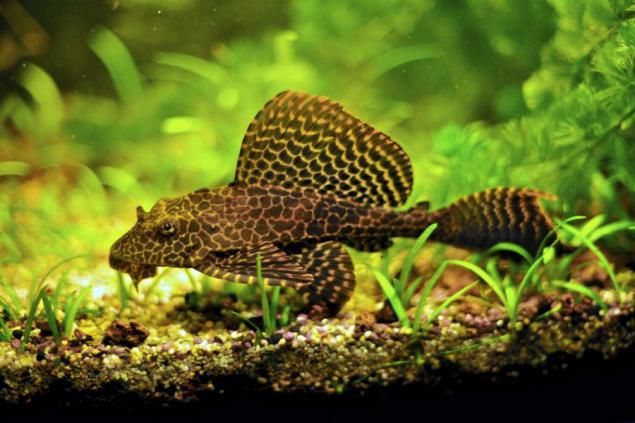
So what you want? Wants to run independently of each of the four sockets (I have a house in one of the rooms outlet combined into blocks of two dvuhrozetochnyh module close to each other, in two standard plastic Escutcheon respectively). To one of these blocks is connected to all units (lighting, filter pump, heater, air compressor) aquarium with beautiful парчовым Catfish , and here they will manage. Catfish like this, if that (picture to attract attention):
So, what do we need?
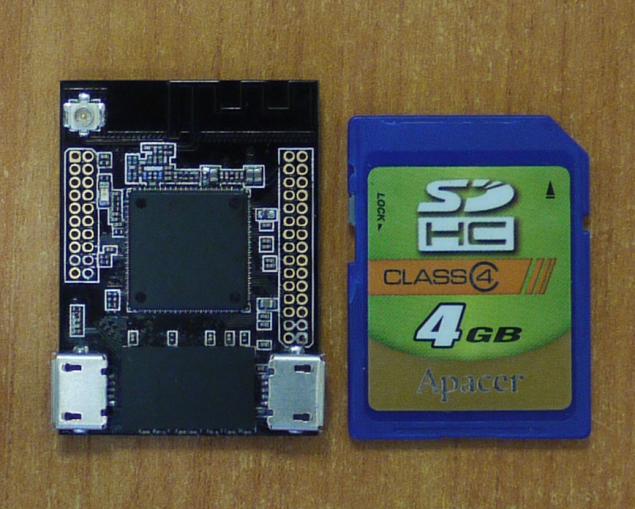
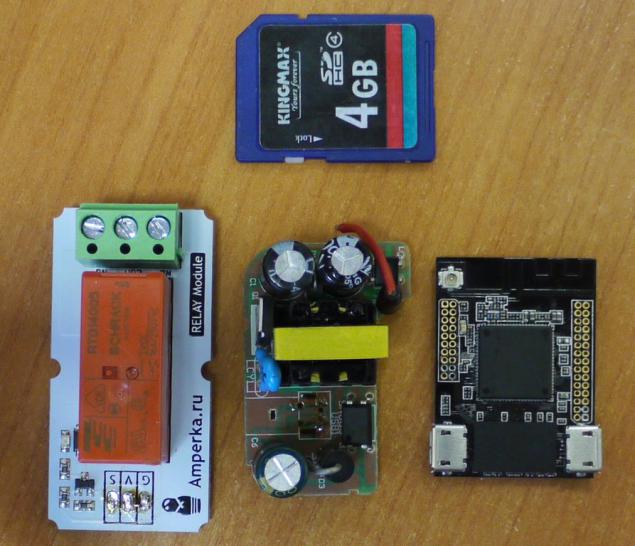
1. Receiving commands via WiFi and issue appropriate control signals to the contact closure. Ie need a controller module with WiFi. Since I have a our handkerchief on AR9331 (piano in the bushes, yes, actually, originally wanted her to actually try out the real) and it will be the controller.
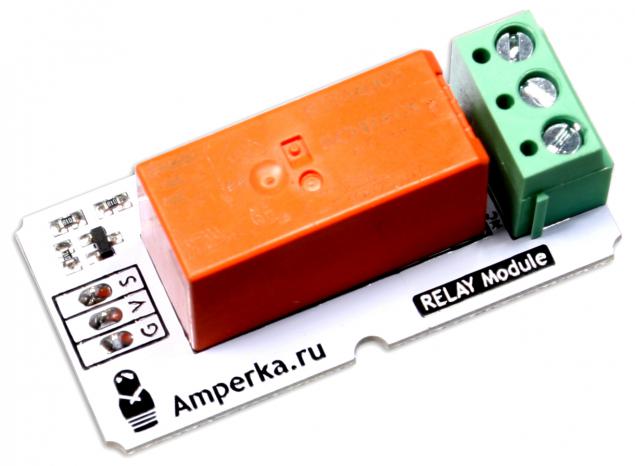
2. Relays 16A 220V. In order not to bother - took ready module from Amperki . At the same time there is, and the LED for indicating the operating mode of the socket.
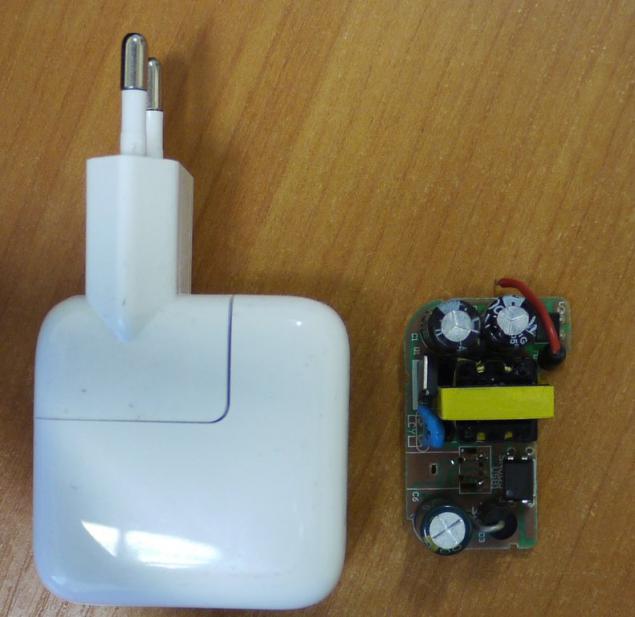
3. To feed these two modules voltage 5V. Disassembled compact power adapter to the connector USB.
4. Escutcheon 60mm depth.
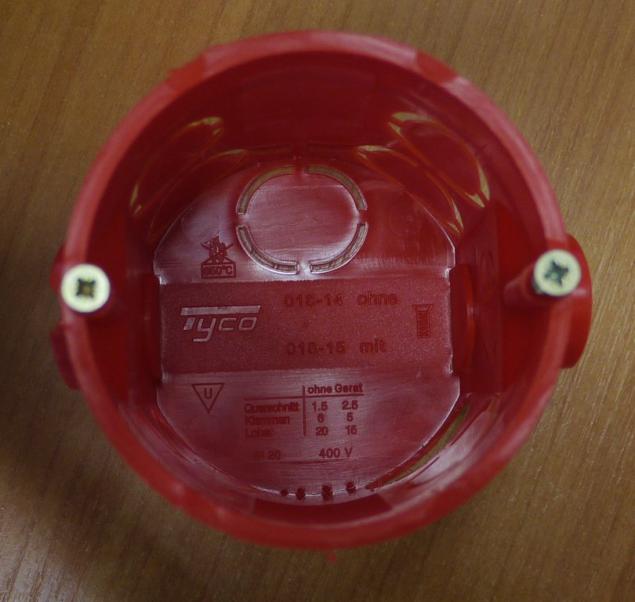
5. Actually socket (while for the experiments took the first available in a nearby hardware store):
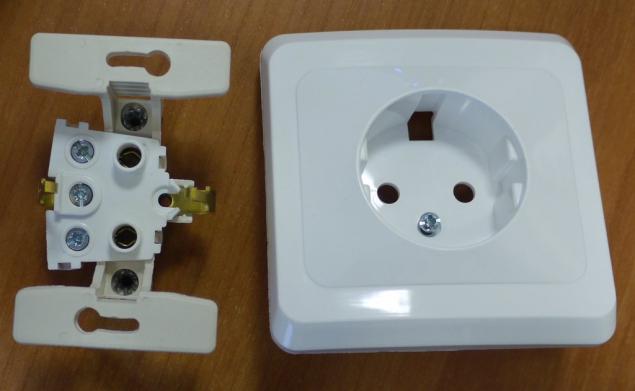
6. LED for operation mode outlet (On / Off). Found in his nightstand green and red. Initially wanted to use green (the color you like), but it was not enough bright, with the result that took red.
Figured scheme (primitive, yes):
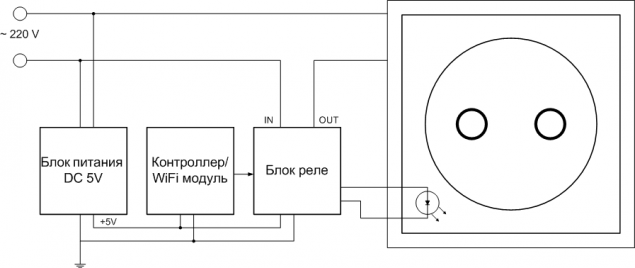
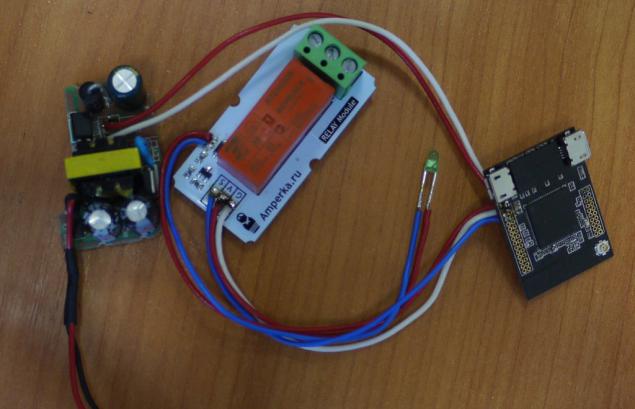
Decompose components:
Sliced wires soldered:
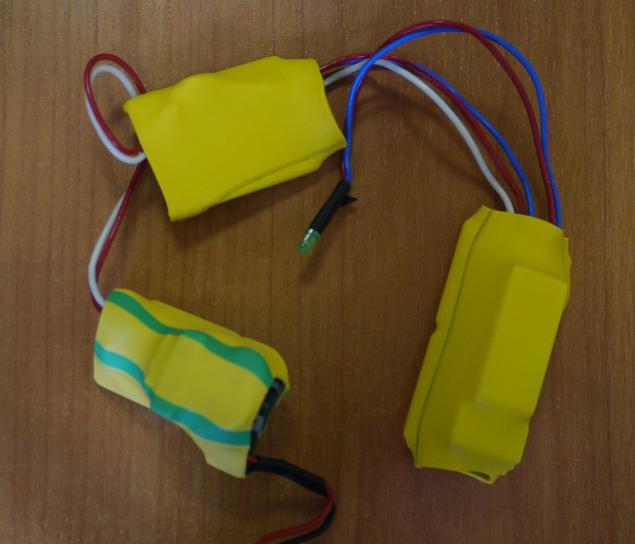
Cut pieces of heat shrink tubing, insulated modules:
Cram everything in Escutcheon, connect the cable, plugged into an outlet. While the wall is too early to shove, it is necessary to debug table.
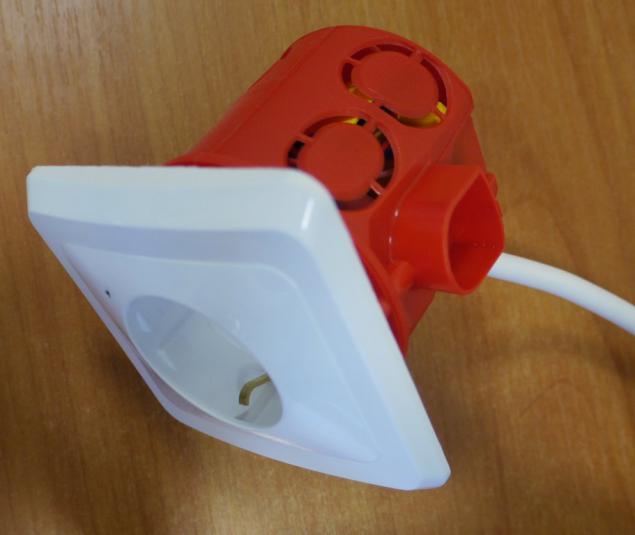
To be visible LED better, thin soldering tip has done little hole in the wall outlet.
The test rig is ready.
Software for simple initial checks took from post SW. Ariman'a.
Well ... It is surprising, but it works. Relay clicks, the LED blinks, electricity is supplied to the electrical outlet. The first step has been taken. Time spent somewhere hour and a half in total. Money:
1. The controller on the AR9331 - do not even know how to evaluate. Let it be 750r - at this price, we're going to sell it when the party did.
2. Relay Module - 290r.
3. Power supply - well, let it be 200r (seen in the underground passage at this price, my at me a couple of years lay).
4. Escutcheon - 45R.
5. Female - 120r.
Total: 1405r.
Now you have to bring to mind the software (primarily - firmware). About it - in the next part, if people would be interested. And then I will connect sensors and three relay module to control up to four outlets, not one.
P.S. Camcorder is connected - works where she go? But it is necessary to somehow enter into the interior, not yet invented - as ... And in terms of software - must learn to stream Internet broadcast, and not only to LAN.
Source: habrahabr.ru/post/235479/
MOTA SmartRing: clever clever ring instead of hours
The Skip. As the button "Skip track" influenced patterns of music consumption