1039
Prehistoric Panasonic Laptop Computer 150
I got this miracle of a freebie, the commercials in 2001 from a friend. As a true "Plyushkin" saved (although he himself then nafig needed). Recently, I am thinking where to attach that used to bail out some penny. But while it seems nothing special and not worth it. Albeit lie down, and I will make a PL small photo review.
There will be many photo finish - will tell.
Here it is the old man. A little broken off the latch, and very personal.
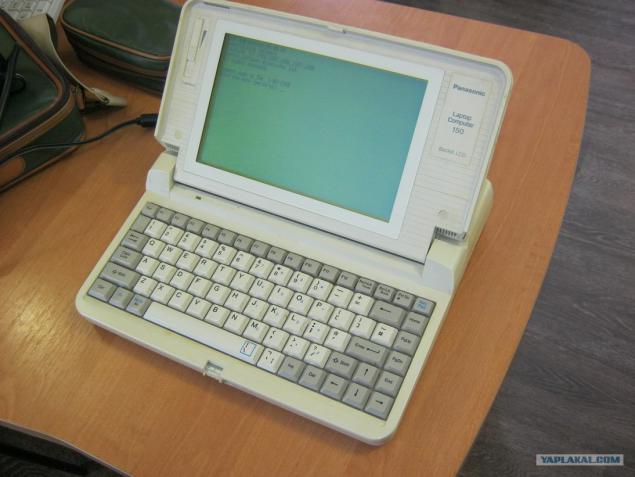
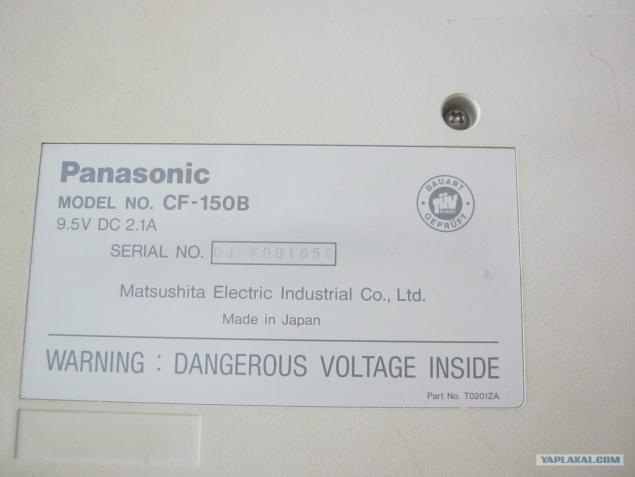
, He roughly 1989-1990. Just do not know how to define.
Matrix LCD 640x200
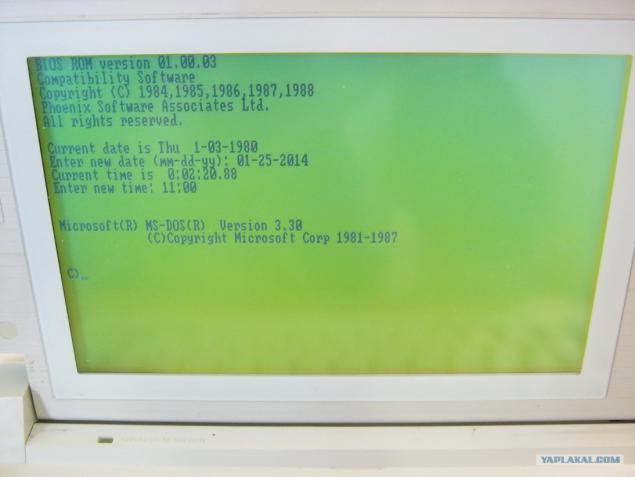
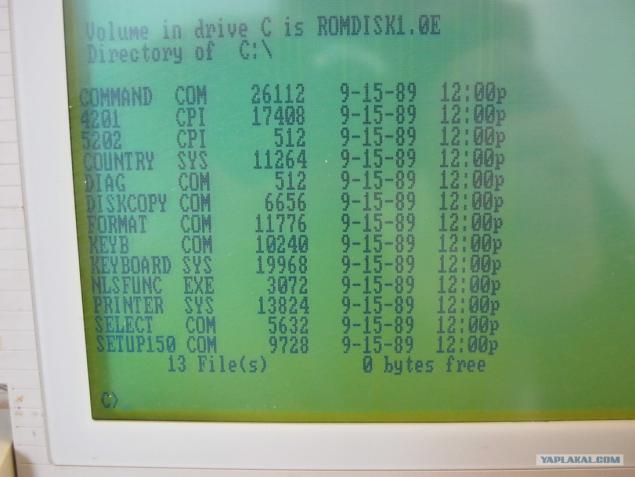
Thus, the characteristics. Screw is not as such. There ROM-drive C: where DOS 3.30, with a pair of drivers and a pair of utilities. Below the photograph disassembled nouta see an empty compartment and plug in the "mamma" where, most likely in the top trim was either planned some screw.
640kB RAM whole - volume, however!
Processor odnoyadrenny 16 bit 8 MHz NEC V20 (analogue intel 8088). Overclockers, obzaviduetsya -was even 12 MHz version.
Drive - floppik 3, 5 inches. Following consideration only 720 KB floppy disks.
I do not know whether the hardware, or software feature, but one, 44Mb formatted - do not see.
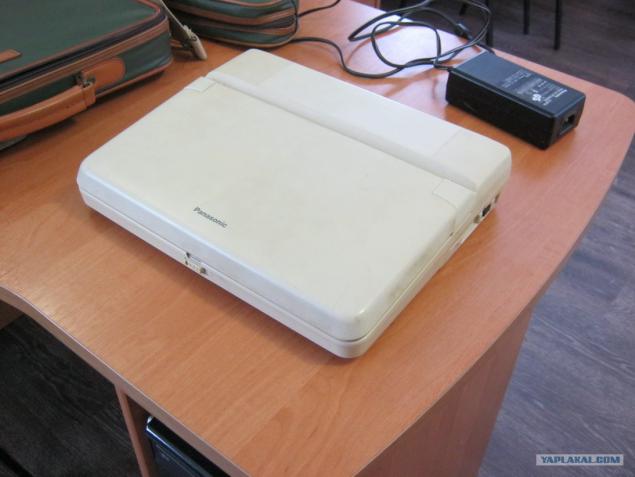
The battery is dead, the battery system - too. Age-with. Have respect.
Ask what you can do on it. On floppy ultra file manager Volkov Commander (vc.com 64 kb), Lexicon - for texts and fit a couple of books * .txt. The other did not try, and nafig necessary.
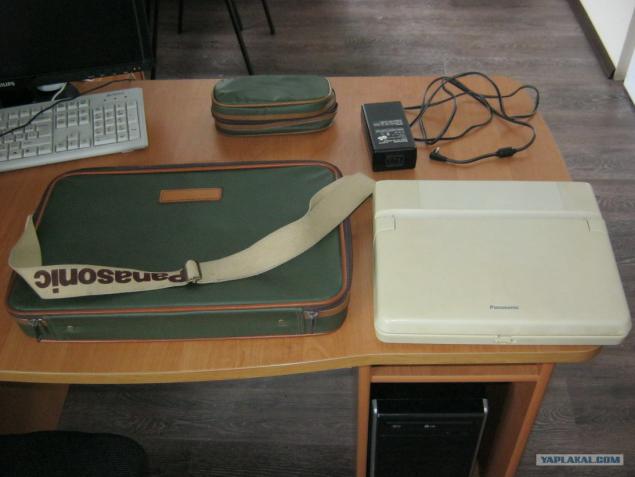
Package: laptop, bag, power supply, case for BP, well, ordinary network cable into the socket stick (not shown)
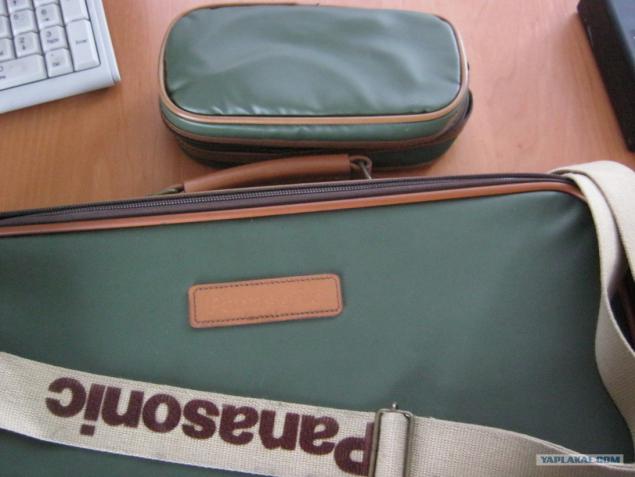
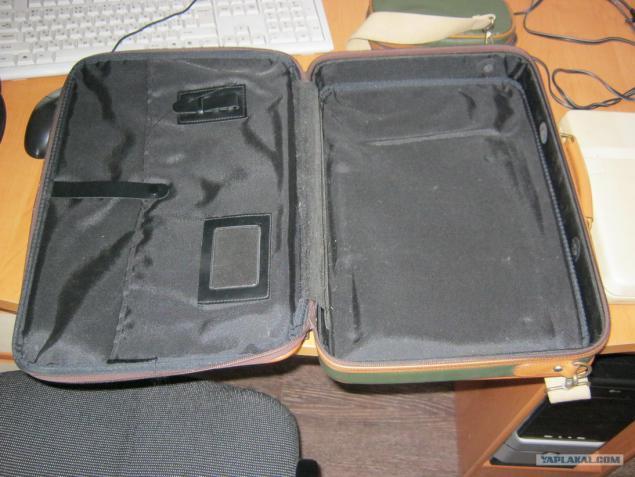
Bag firm, the same design case for the power supply.
Inside. Everything is laid.
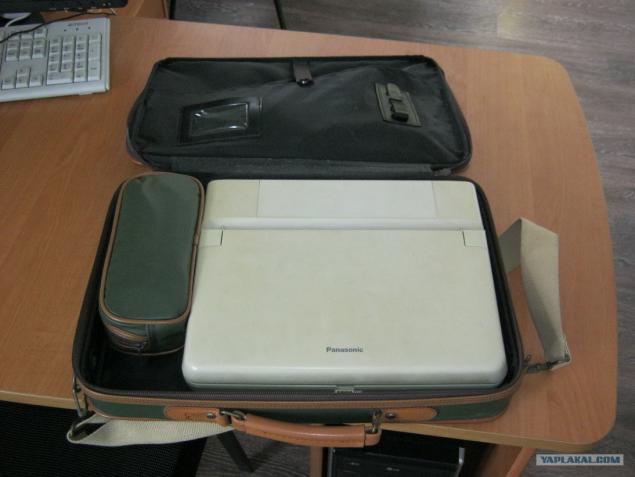
Bag inside. The bag itself is not bad, although the skin of a young Colour Options seemingly not very strong. Design is nothing, but the color of the swamp now out of fashion.
For the money, then what he was worth, bags could sew, and Louis Vuitton.
General form. Plastic, of course, turned yellow with time.
Right
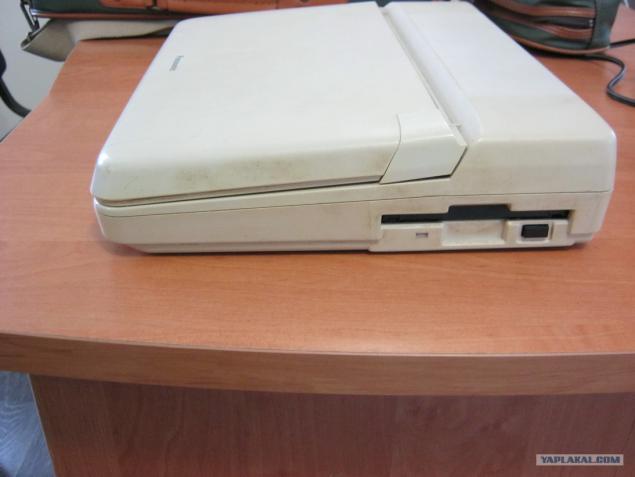
To the left. The power connector and power switch.
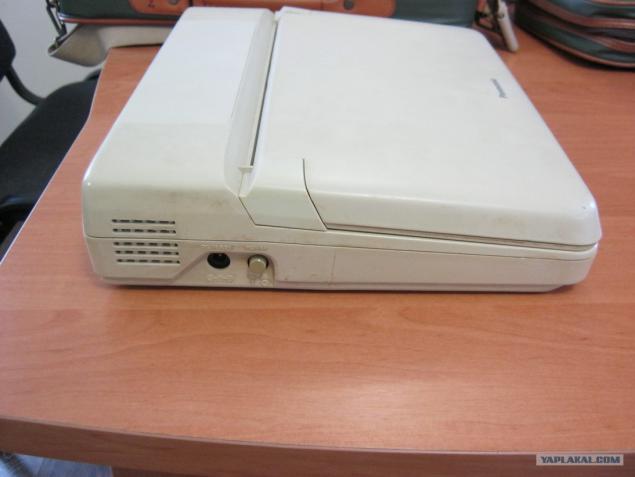
Behind
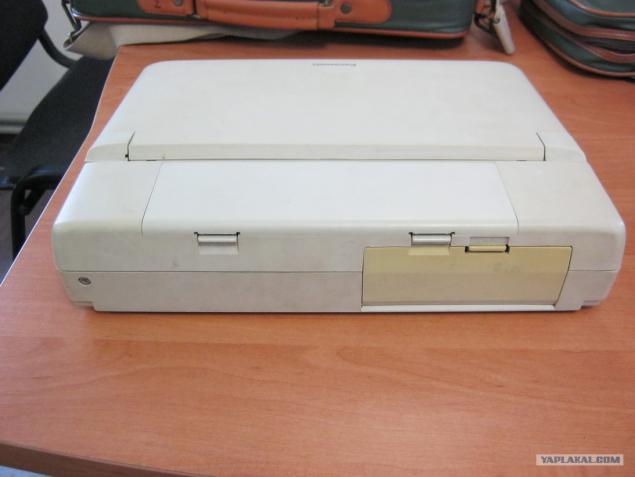
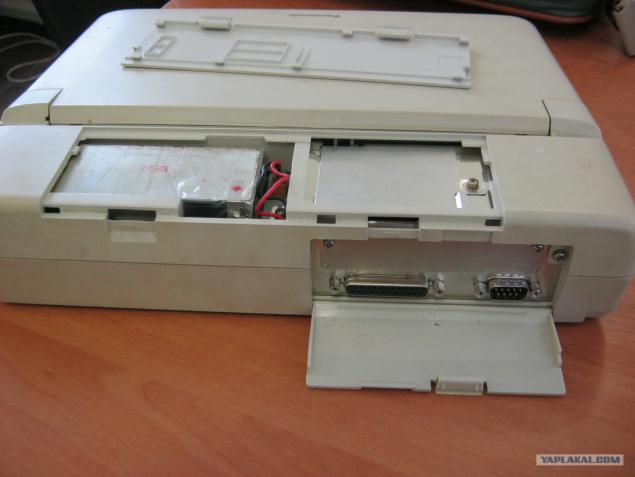
With the cover open the battery compartment and access to serial and parallel ports (COM, LPT).
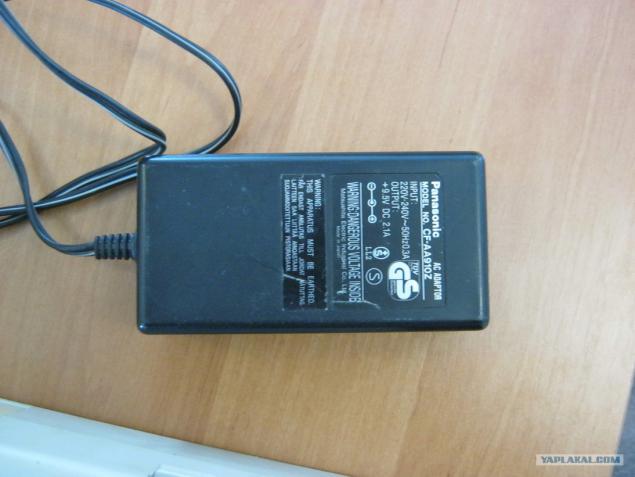
Power Supply. The unit is quite large. Although himself laptop 4-5 kg pull.
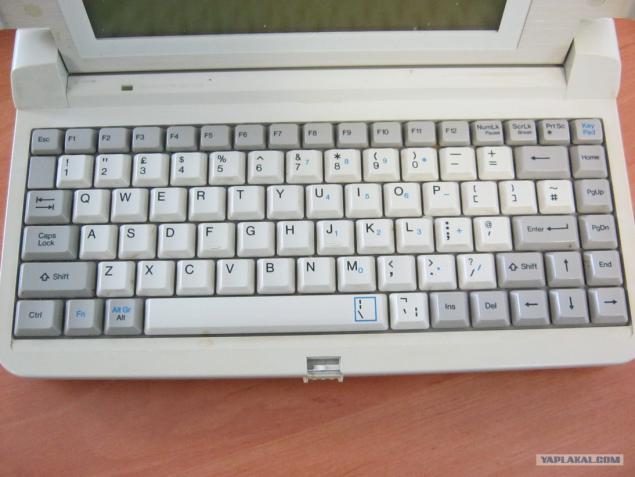
The keyboard is not the Cyrillic alphabet.
Here it is after the DOS startup
dir c: (ROM, where all that still remembers the unit).
It has launched a built diag.com (internal self-diagnostic tool).

The following diagnostic screens posted
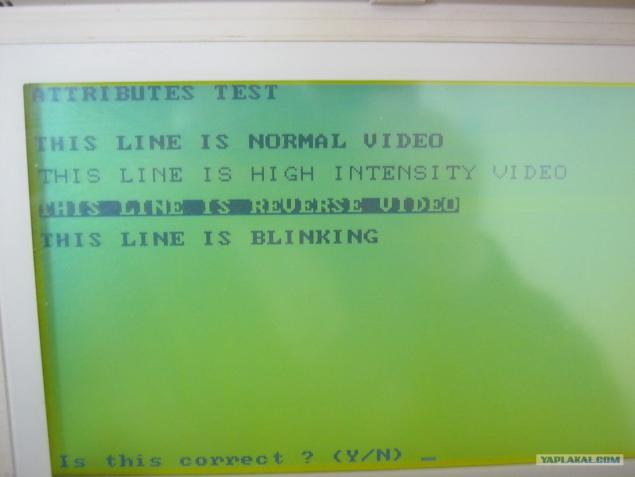
More
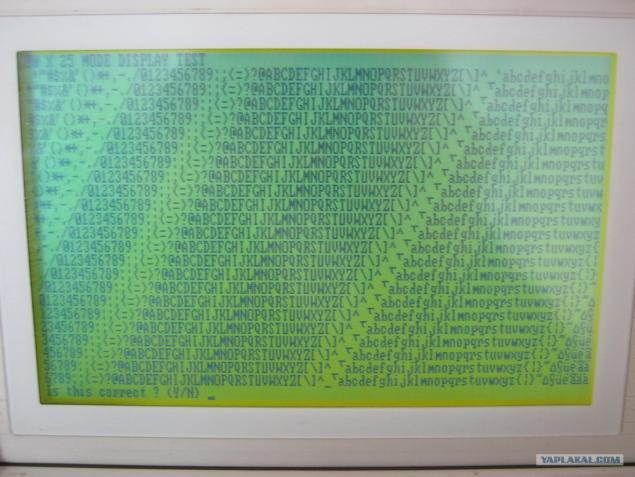
and more ...

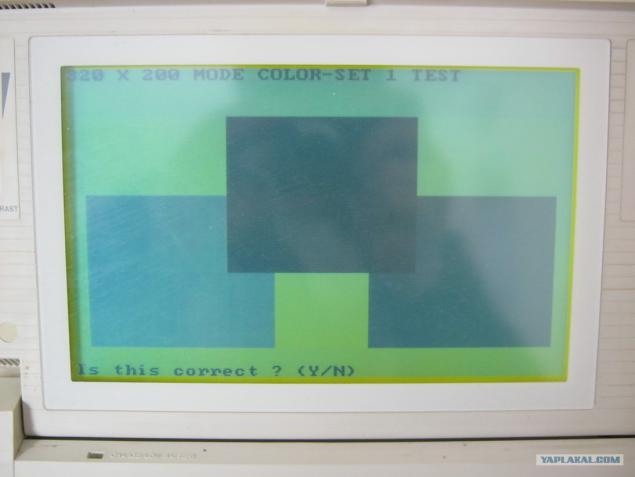
Interesting diagnostic screens color modes or how they loudly «mode color» called them. Campaign simulation grayscale or HZ a.
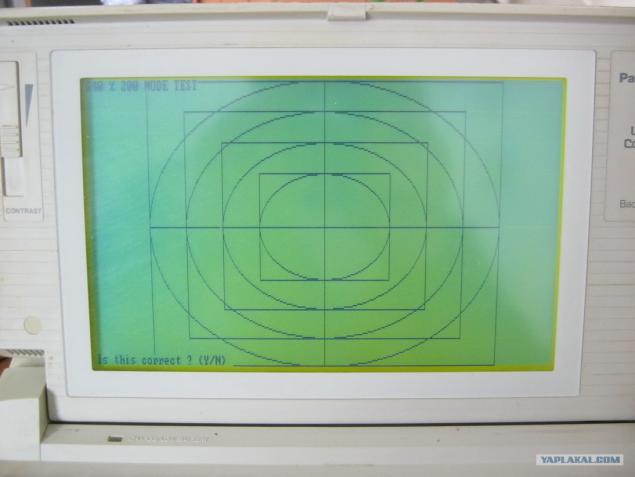
Also interesting test mode display of geometric curves.
Please note as a 640x200 still far from Full HD.
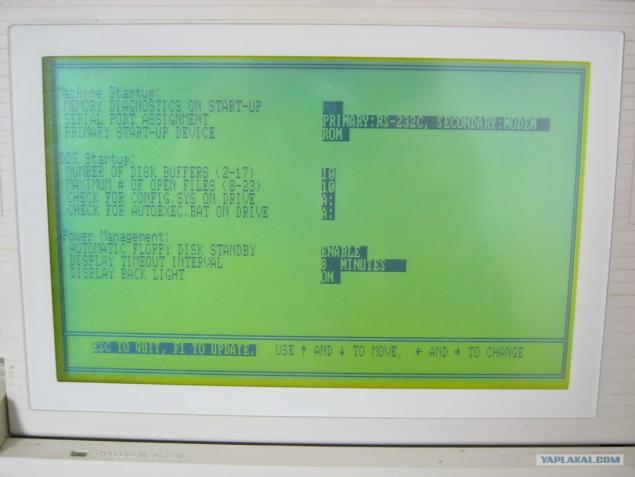
This startup.com - a modern analogue access the BIOS. Function is not enough, but then configure it is nothing special.
I'm kinda curious, and I say:
But let's Let us examine!
Unscrew the display. He took off the top cover.
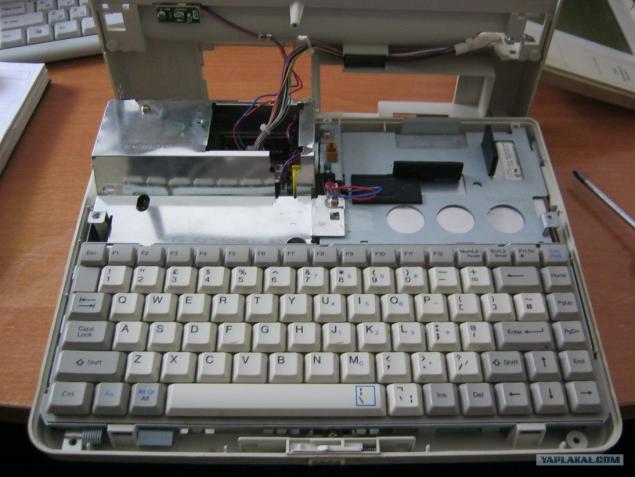
He took off the keyboard. Note that two separate loops.
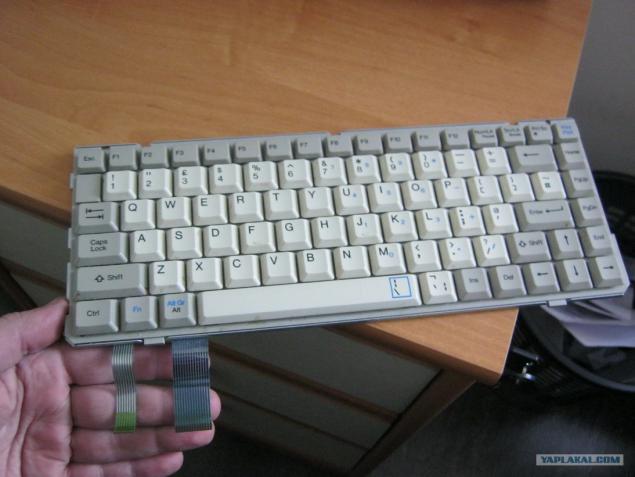
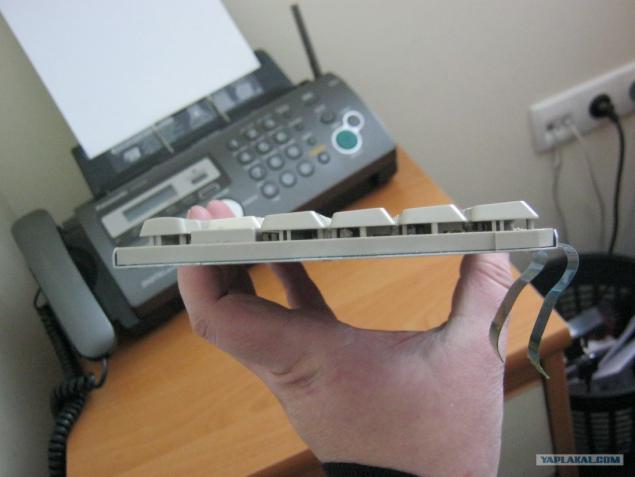
The thickness and stiffness honest.
Without clave. Note the brilliant protective shielding plate that covers the entire motherboard almost completely.
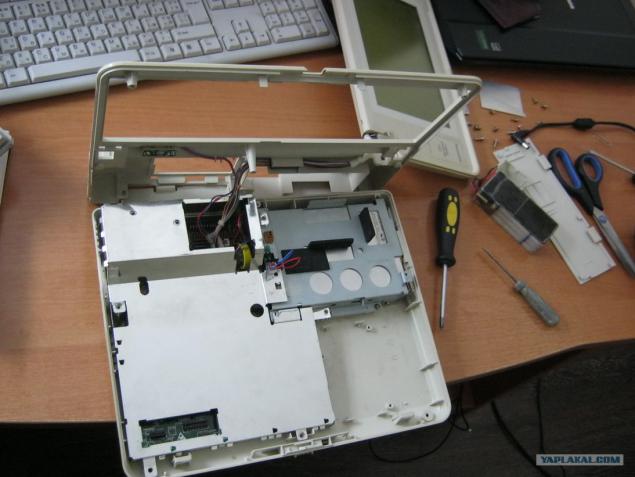
Without protective shield.
Right flopik top and bottom of the empty bay, which I mentioned at the beginning. At the very front of the motherboard compartment white connector (a type not know, maybe a prototype of IDE HZ)
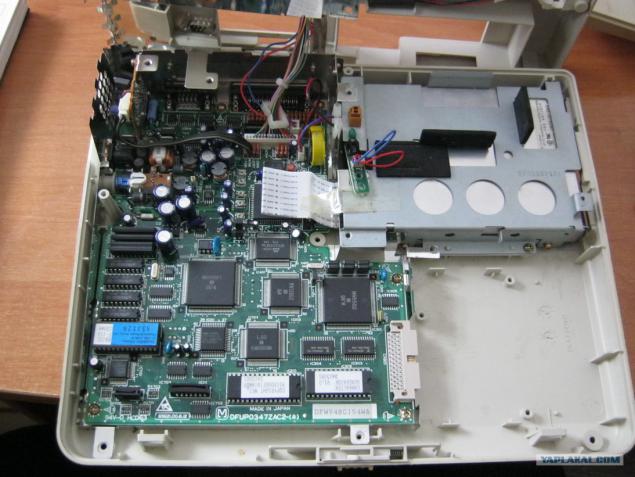
That motherboard closer.
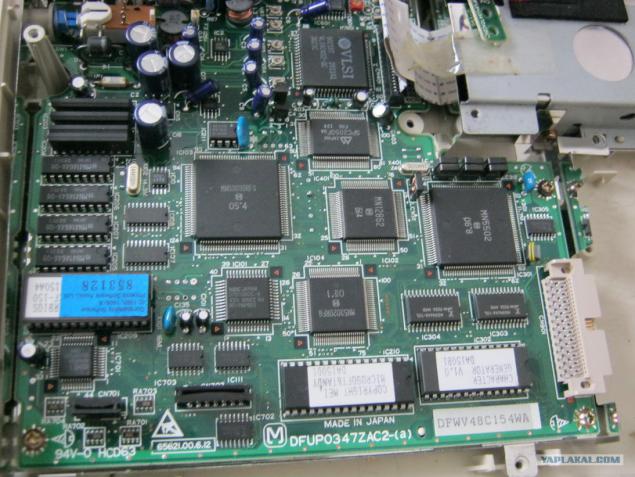
And here is the processor NEC D7108GC-8 model V20.
52 feet and not all involved.
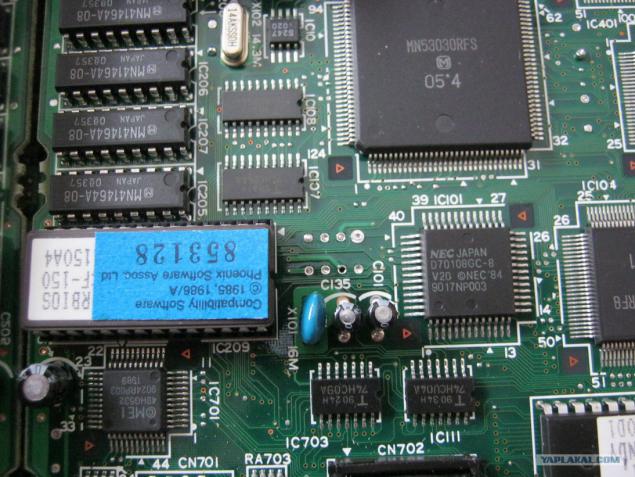
And to his left we see PZUshku flooded with software it is ROMdisk C:
She alone is not soldered on the motherboard and is inserted in the socket. This, IMHO, is likely or intended to promptly upgrade the BIOS, or for easy replacement in case of malfunction.
Next disassemble and so did not see everything.
Graduated.
Thank you for your attention.
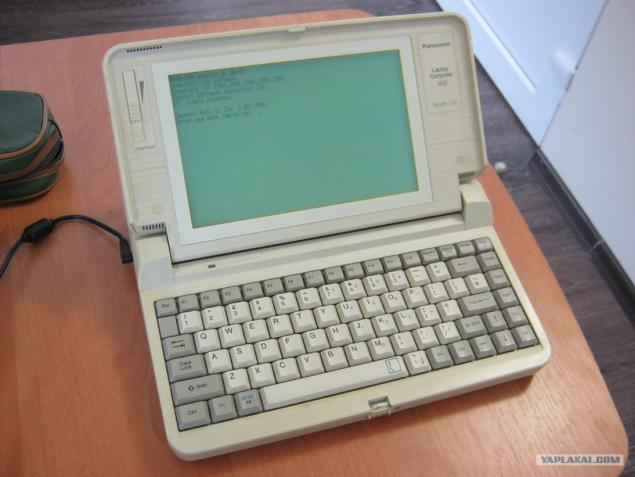
Finally another angle
Source: ">