4651
Wireless charging and docking station for the ASUS Nexus 7
The second generation of the Nexus 7 is still one of the most attractive offers on the market 7-inch tablet. Its advantages are undeniable screen with a resolution of 1920x1200, indoor glass Gorilla Glass, high brightness, brilliant color reproduction, excellent performance, long battery life, light weight and the possibility of wireless charging.
In addition to the tablet, ASUS also offers us a variety of accessories for Nexus 7. Today we tell you about the wireless charger and desktop dock.
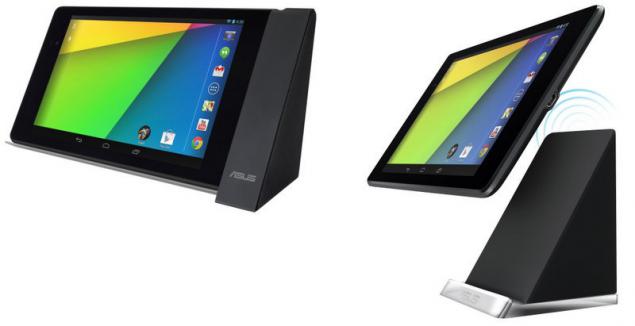
Standard wireless charging Qi Nexus 7 supports wireless charging called Qi (Chi). The principle is simple: just put the tablet or smartphone on a special docking station, as soon start charging the battery. Technology is based on inductive coupling of two coils - receiving coil in the mobile device and transmitted to a docking station.
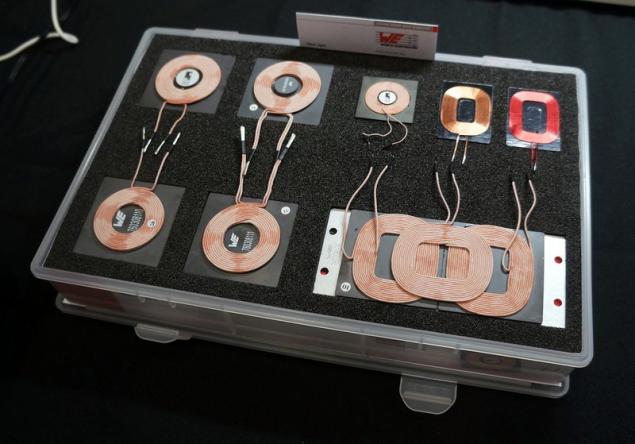
Also mobile station can communicate and service information. For example, when the battery is charged, your gadget will inform the dock that the power supply may be stopped. Qi is an open standard, except ASUS support it, many large manufacturers. Accordingly, the equipment is compatible with each other.
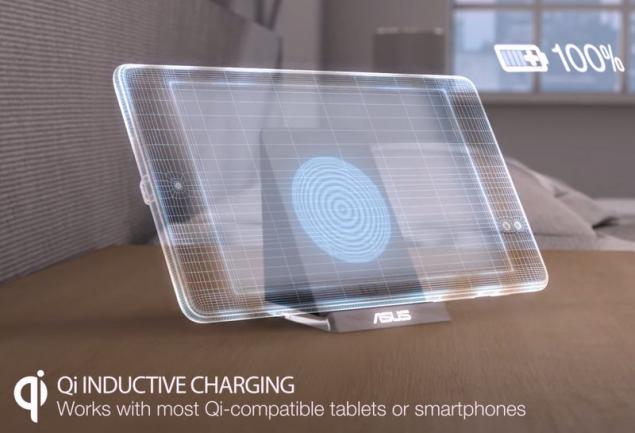
Wireless charging dock ASUS PW100
The charger comes in a matte box small size.
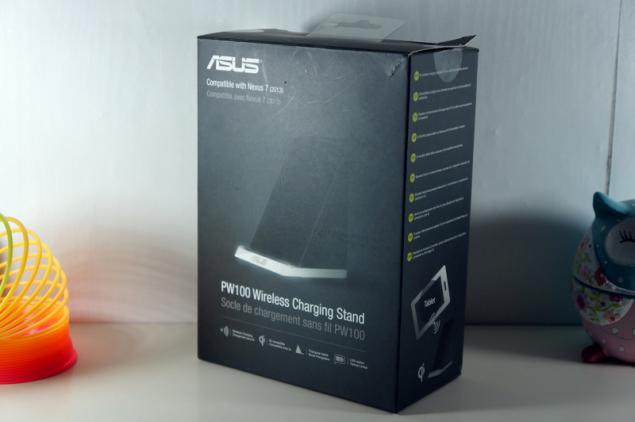
The set consists of the most dock meter micro USB cable with the ferrite filter and power adapter.
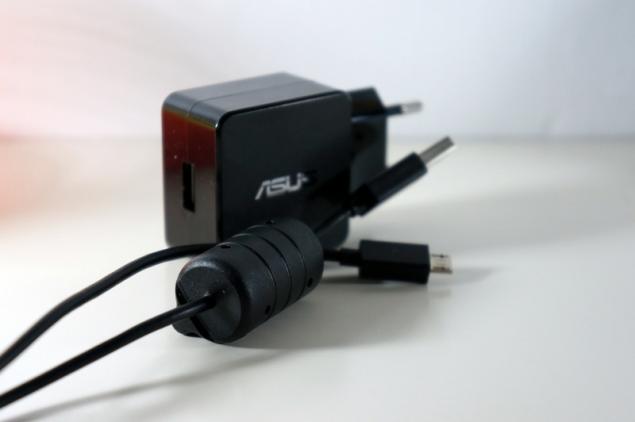
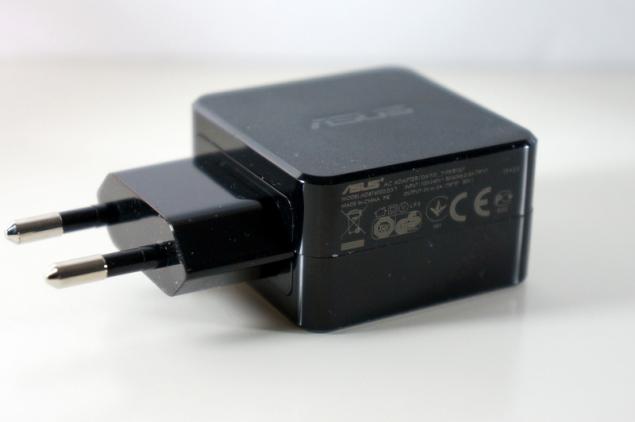
The power supply of small size with access USB; exactly the same adapter can be seen in most tablets ASUS. The output power of 10 watts, a voltage of 5 volts, the current 2 amps.
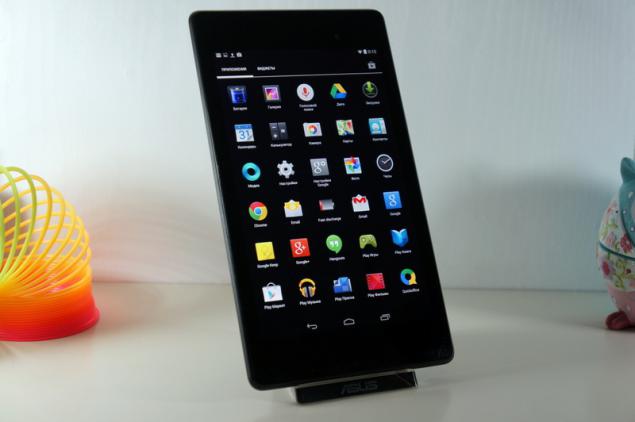
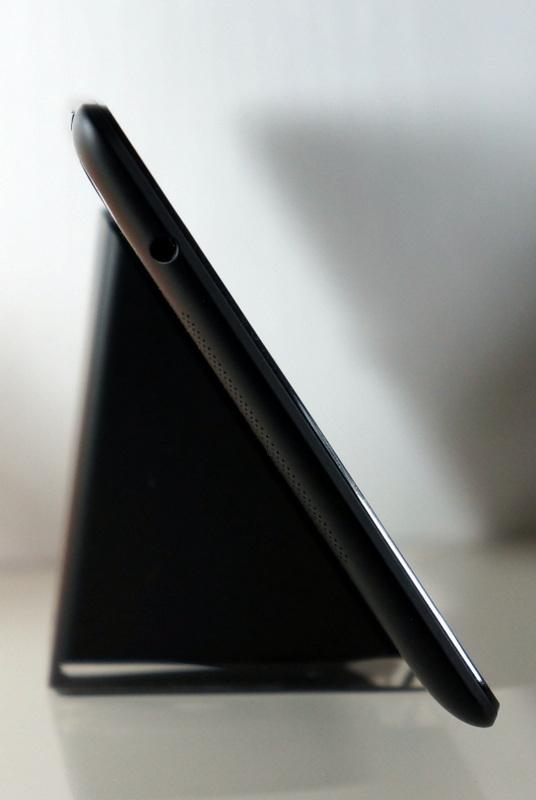
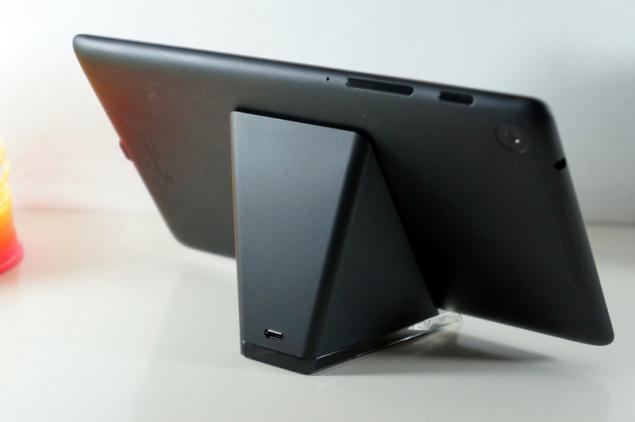
External battery charger is a pyramid height of 8 cm. Design dock is simple and elegant, matte finish is a bit like soft-touch plastic. Fingerprints do not remain.
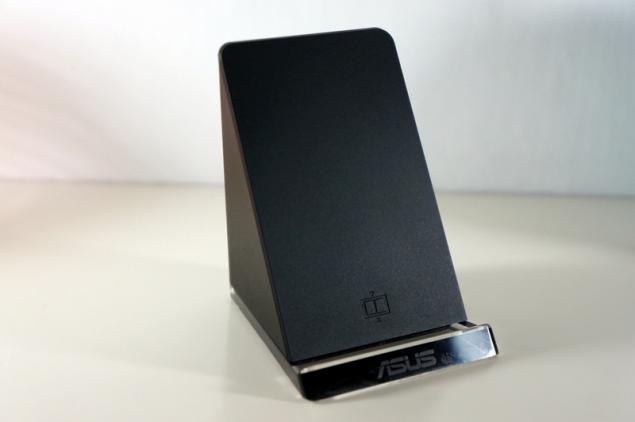
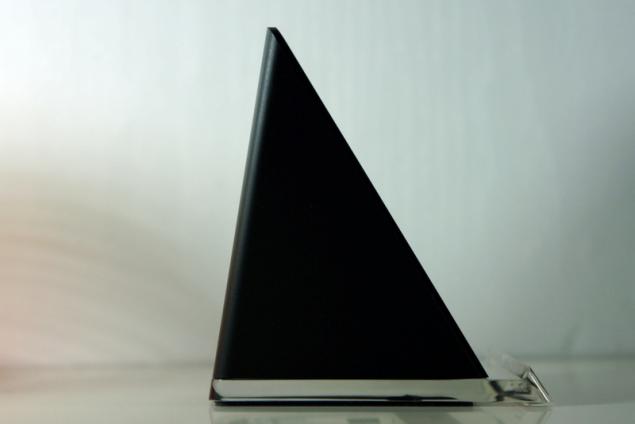
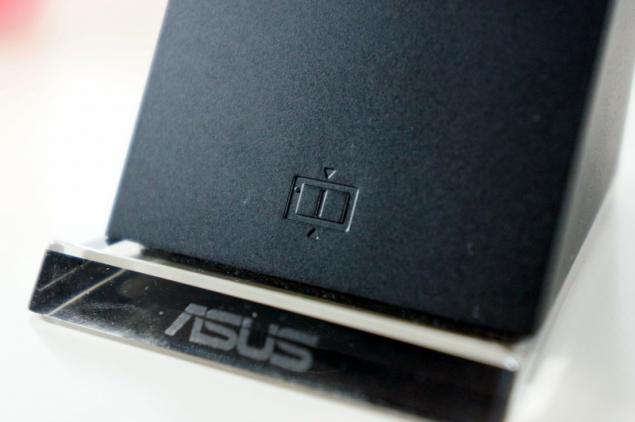
Transparent base is made of Plexiglas, the front is engraved with the logo of ASUS.
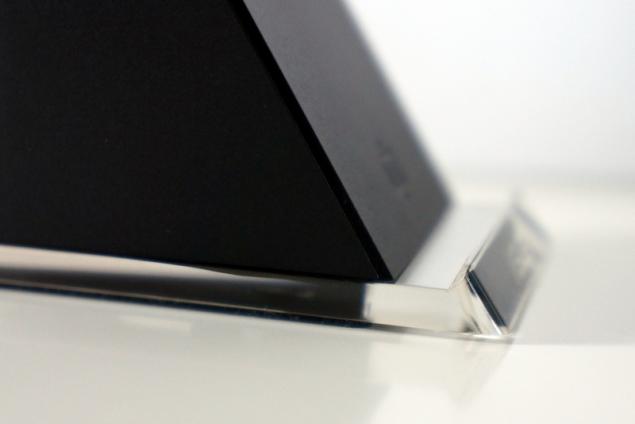
Due to the rubber substrate design is sure is on the table and does not slip when installing or removing the tablet. The device is compact and does not take up much space.
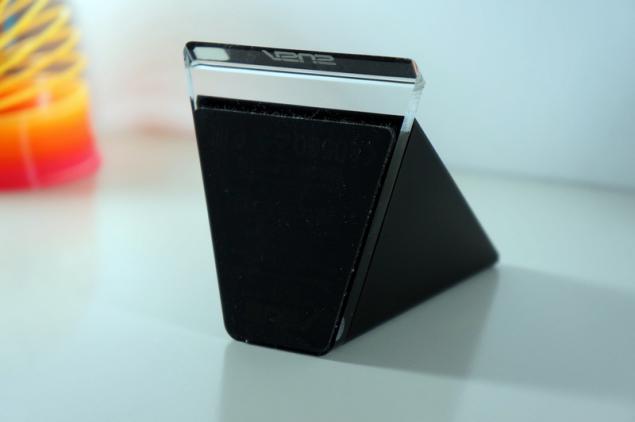
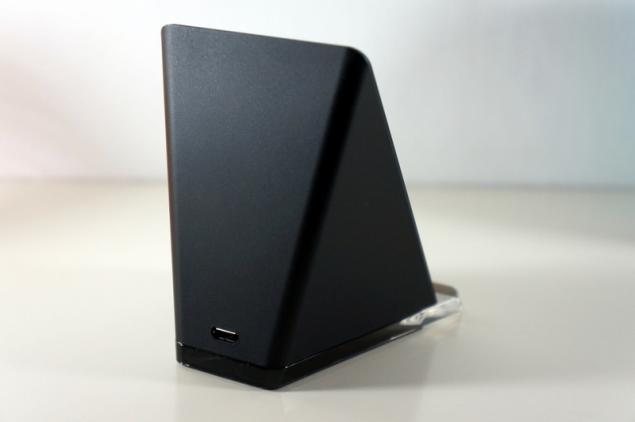
Behind is a standard micro USB connector for connecting the power adapter. In standby mode, no indication on the device no.
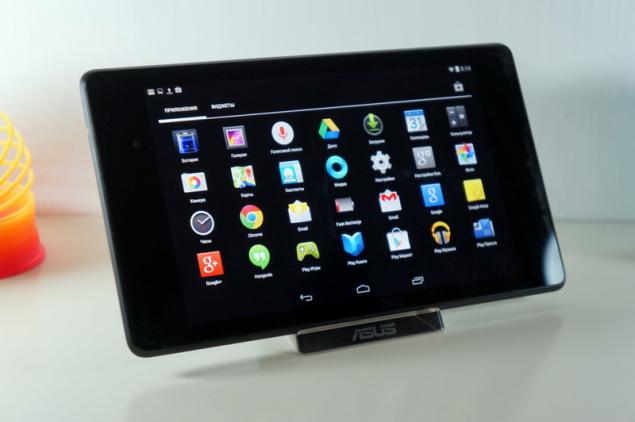
Set the plate on the dock. Raised signage informs us that the tablet will be charged only in landscape orientation.
The plate was immediately starts charging, no additional actions are required.
Transparent stand lights, letting the process of charging. Indication white, shining gently, so that the night will not interfere with sleep. If there is any problem, overheating or interference to charging, the LED will blink.

Nexus 7 stands stable: no backlash and vacillation. In this position, you can continue to work with the tablet device does not slip and do not shake.
Compare the battery is charging. Logically, the wireless charging process lasts longer. Documentation tablet will charge current of 1 ampere.
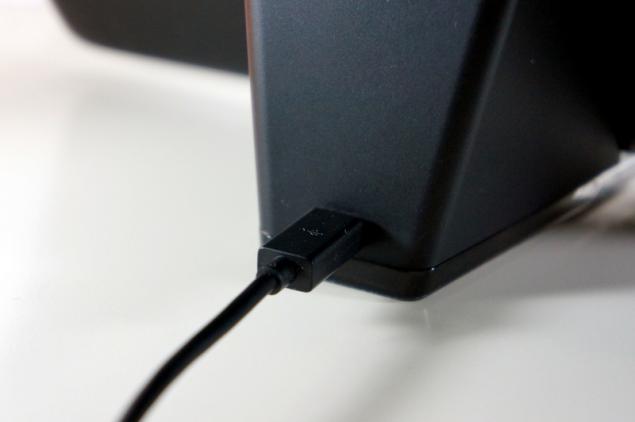
For comparison, I took dvuhamperny power supply and cable, which comes with a charging station.
Charge directly from the cable took 3 hours and 40 minutes.
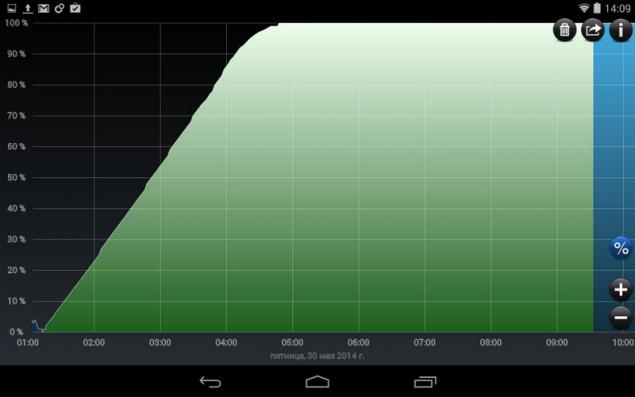
Wireless charging took 5 hours and 10 minutes, that is a half hour more.
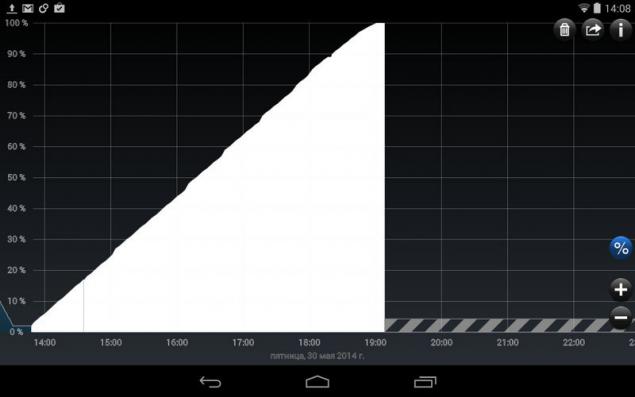
During charging, the tablet a little heated, but not much, just stays warm. My Nexus 4 on the ring Qi-the charger heats up very much, but here is no such problem.
The charging dock for the Nexus 7 (2013)
Proceed to the next accessory - charger dock for the Nexus 7 second generation. Packaging design has an unusual shape in the form of a prism. Color design resembles the design of the box from the Nexus 7.
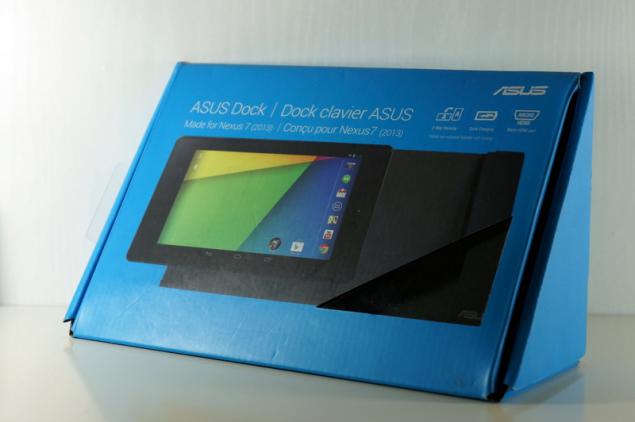
Inside the only dock and documentation. Alas, the grade is scarce; I would like a separate power supply and cable with micro HDMI.
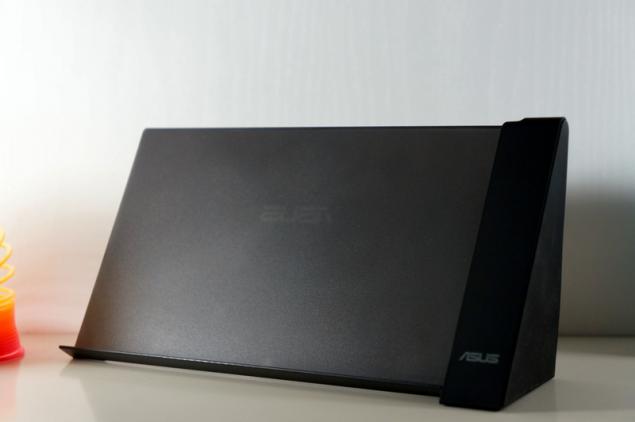
As you can see, both the docking station have a common design: same unusual triangular shape and material. The stand, which keeps the plate is made of frosted translucent plastic. The very filling dock located on the right.
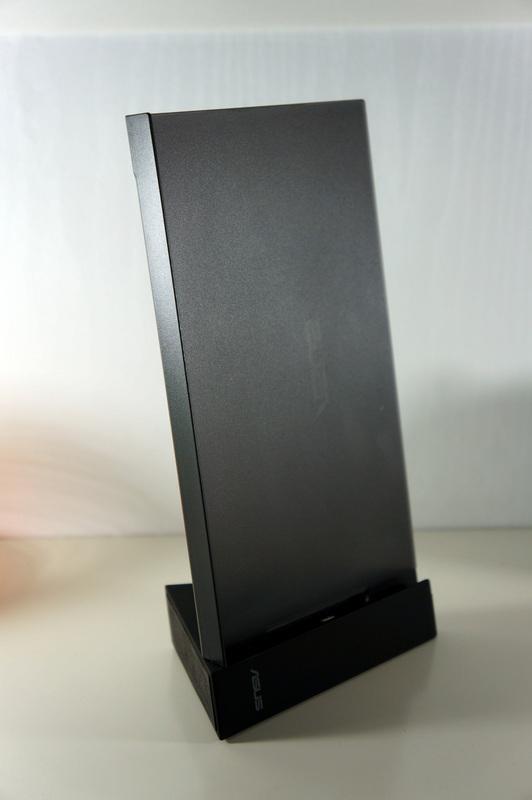
The cover is made of soft-touch plastic and does not leave fingerprints. Rubber backing adds stability on the table. You can safely use your tablet while charging.
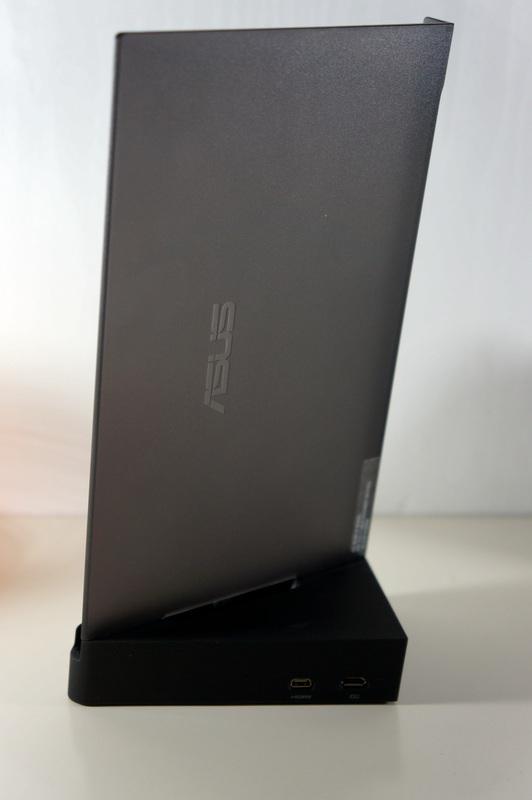
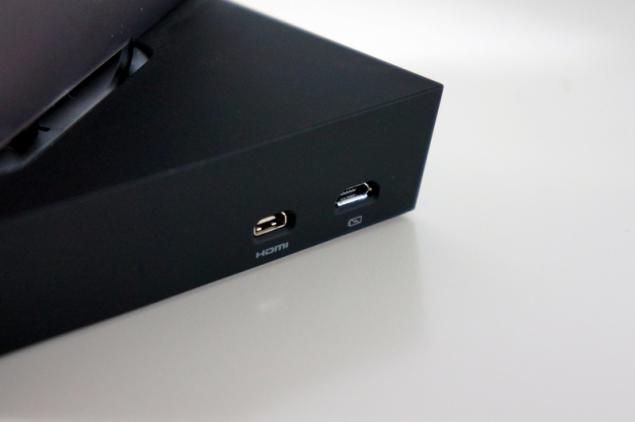
On the back of the docking station are 2 connector: micro USB charging connector and micro HDMI 1080p to connect your TV.
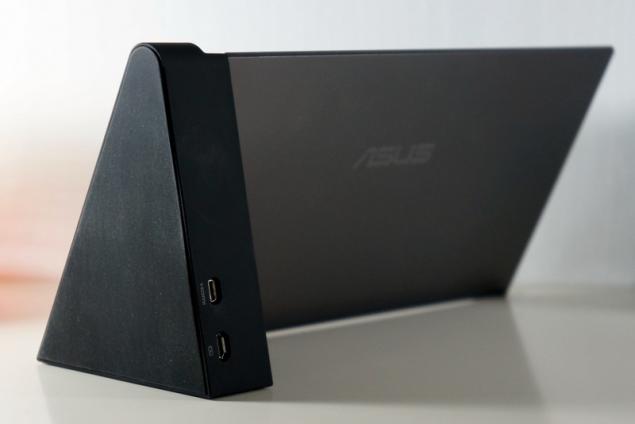
For proper installation of the tablet to put him on the stand and move way to the right to connect the micro USB.
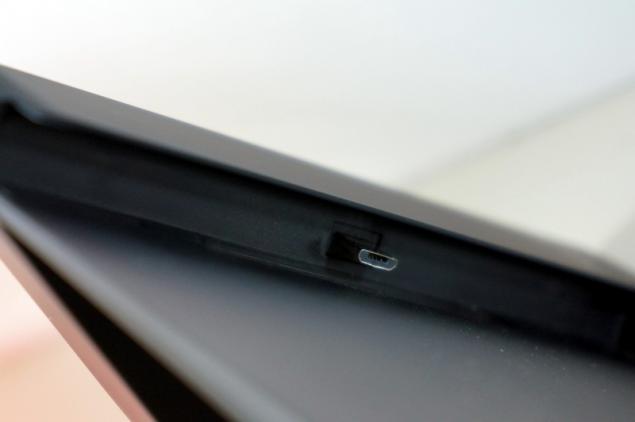

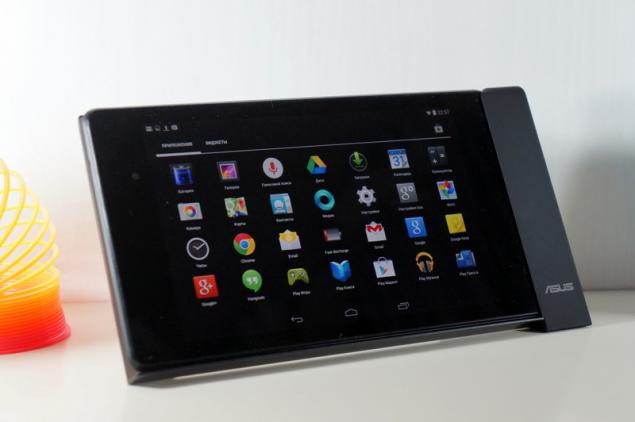
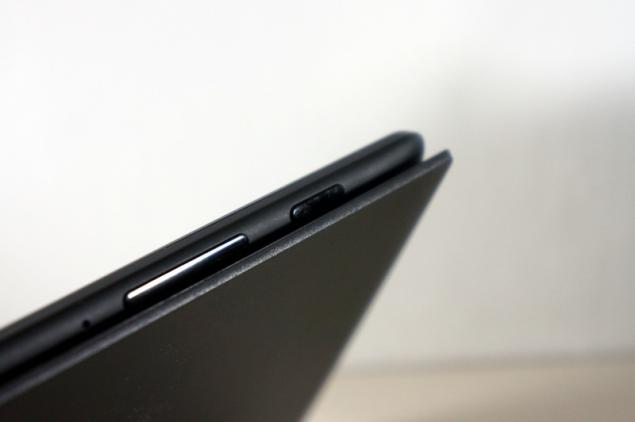
Stand on which the plate is somewhat hampered the work with the unlock button and volume. Of course, they can be pressed without pulling the plate, but it is not as convenient as we would like.
In landscape orientation station is stable, does not play and no shaking. Android allows you to set a special mode for the docking station. The screen can be displayed photos or screensaver with a clock.
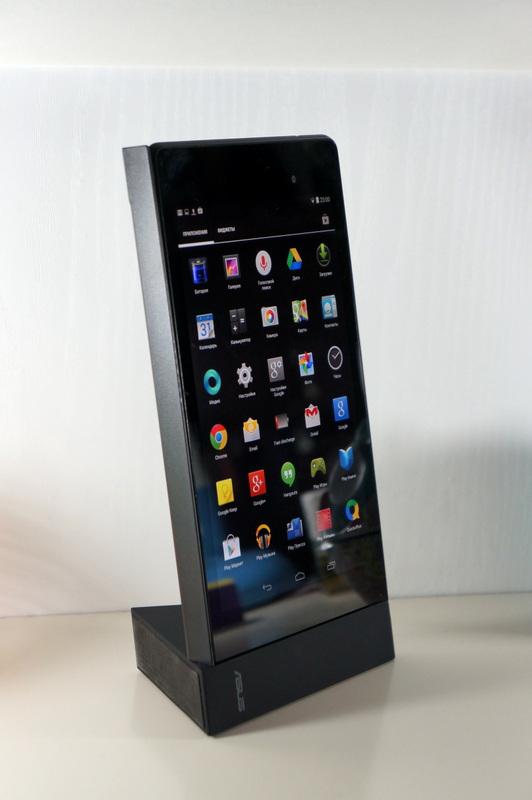
Docking station can be mounted vertically, placing the tablet in portrait orientation.
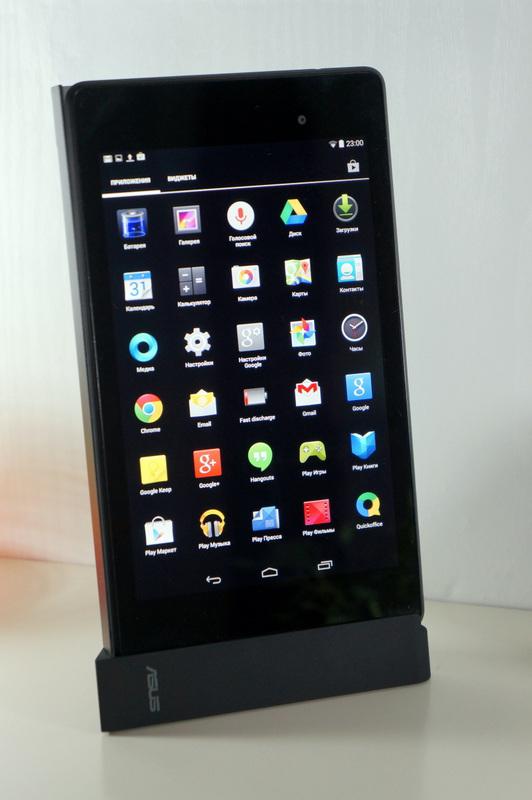
The idea itself is interesting, but in practice it is not so convenient. Because of the poor stability of the tablet becomes uncomfortable to use. The slightest touch on the screen - and the whole structure begins to totter. No, not dock throws and falls, but not unpleasant shaking.
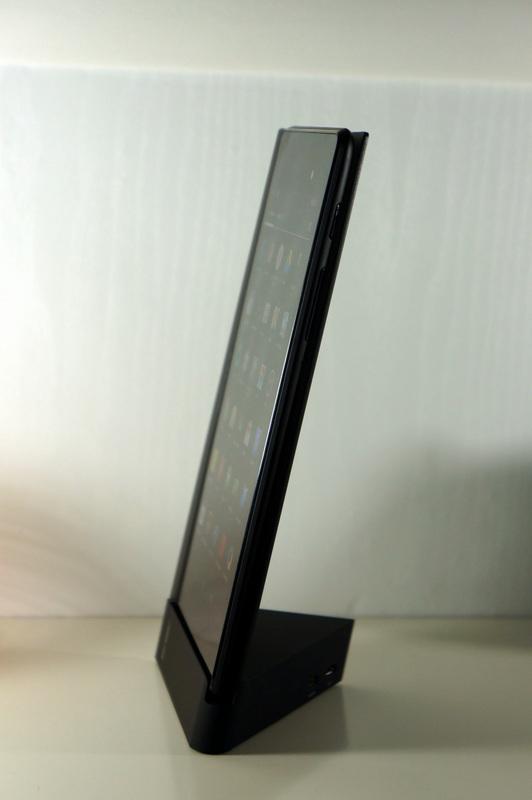
This installation method can only be used if little space, since in such a docking station on a table occupies 2 times smaller space.
Many people, when they hear about the concept of wireless charging, say, "Yes it's cool, but it's a useless thing." When I was six months ago began to use wireless charging for its Nexus 4, I did not expect her something special. But now I can not imagine the convenient use of the phone without a Qi-charging. I come into the office, put your phone on charge and not worry about wires. Answer the phone, we usually forget reconnect cable, and eventually the phone is not charging. Houses also have the convenient charging on the bedside table. I hope that Qi pick popularity in his time micro USB, and it will be embedded into all mobile devices.
Source: habrahabr.ru/company/asus/blog/225601/
The charger comes in a matte box small size.
The set consists of the most dock meter micro USB cable with the ferrite filter and power adapter.
The power supply of small size with access USB; exactly the same adapter can be seen in most tablets ASUS. The output power of 10 watts, a voltage of 5 volts, the current 2 amps.
External battery charger is a pyramid height of 8 cm. Design dock is simple and elegant, matte finish is a bit like soft-touch plastic. Fingerprints do not remain.
Transparent base is made of Plexiglas, the front is engraved with the logo of ASUS.
Due to the rubber substrate design is sure is on the table and does not slip when installing or removing the tablet. The device is compact and does not take up much space.
Behind is a standard micro USB connector for connecting the power adapter. In standby mode, no indication on the device no.
Set the plate on the dock. Raised signage informs us that the tablet will be charged only in landscape orientation.
The plate was immediately starts charging, no additional actions are required.
Transparent stand lights, letting the process of charging. Indication white, shining gently, so that the night will not interfere with sleep. If there is any problem, overheating or interference to charging, the LED will blink.
Nexus 7 stands stable: no backlash and vacillation. In this position, you can continue to work with the tablet device does not slip and do not shake.
Compare the battery is charging. Logically, the wireless charging process lasts longer. Documentation tablet will charge current of 1 ampere.
For comparison, I took dvuhamperny power supply and cable, which comes with a charging station.
Charge directly from the cable took 3 hours and 40 minutes.
Wireless charging took 5 hours and 10 minutes, that is a half hour more.
During charging, the tablet a little heated, but not much, just stays warm. My Nexus 4 on the ring Qi-the charger heats up very much, but here is no such problem.
